
Have you ever found yourself scrolling through someone’s TikTok profile or videos late at night and suddenly panicked, wondering if that person might know you’ve viewed their profile? You’re not alone.
With over 1.5 billion monthly active users, a common question is: “does tiktok show who viewed your profile?” In this article, we’ll answer that question and explain why you might not see profile views. Let’s get started!
Does TikTok show who has viewed your profile?
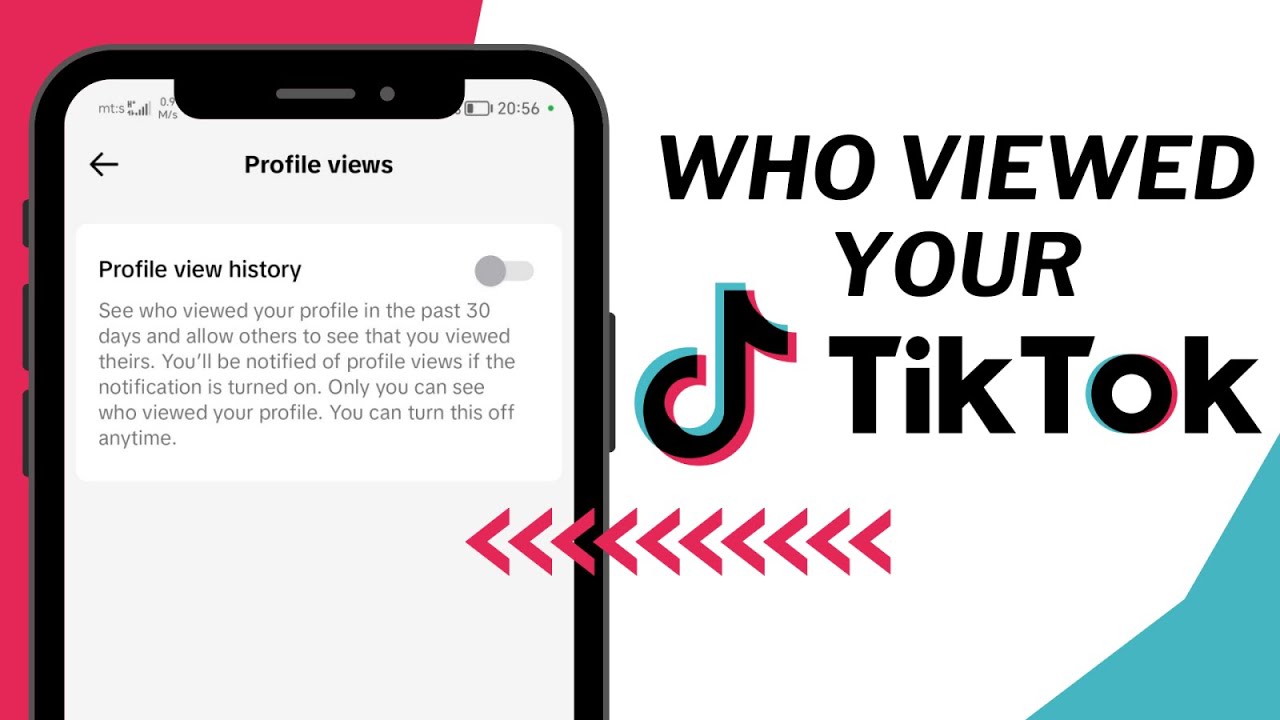
Yes! TikTok lets you see who viewed my TikTok profile using the “Profile Insights” feature. You’ll only see users on your list who have also enabled the “Profile View History” feature on their accounts. If they disable the feature, their views won’t be recorded.
This means that while the answer to whether you can see who viewed my TikTok profile is yes, it still depends on your settings and those of the viewers. Also, if you can see who has viewed your profile, others can see when you view their profiles.
How to See Who Has Viewed Your TikTok Profile
Seeing who has viewed your TikTok profile is pretty easy. By the way, this feature is only available in the mobile app and not in the desktop web version. To do this, you first need to enable Viewer History. Here’s a complete step-by-step guide:
Step 1. Go to your TikTok profile page in the mobile app.
Step 2. Tap the footprint icon in the upper-right corner, which is the Viewer History.
Step 3. If Viewer History is turned off, turn it on.
Step 4. You’ll then see a list of users who have viewed your profile in the last 30 days.
How to View TikTok Profiles Anonymously
Now you know that others would see when you view their TikTok profile, as long as they have their viewing history enabled. So is there a way to view other people’s profiles without being detected? Absolutely! Here are three methods for viewing TikTok anonymously:
Method 1: Turn Off Profile Views on TikTok
If you disable your own profile views on TikTok, others won’t be able to see when you view their profiles. However, you also won’t be able to see who viewed my TikTok profile. If that’s okay with you, here’s how to disable TikTok profile views:
Step 1. Go to your TikTok profile page and tap the footprint icon.
Step 2. Tap the “Settings” icon.
Step 3. Turn off “Viewer History.”
Method 2: Log Out to View TikTok Profiles
TikTok allows users to view the app without an account. This means that when you view profiles on TikTok as a guest, your visit isn’t recorded because there’s no account to track. Follow these steps to browse TikTok anonymously:
Step 1. Open the TikTok app and tap the hamburger menu button.
Step 2. Go to “Settings and Privacy.”
Step 3. Scroll all the way to the bottom and select “Log Out.”
Step 4. Finally, you can search for and view any profile without them knowing.
When you're done, don't forget to log back into your account to access all features.
Method 3: Use a TikTok Anonymous Viewer
There are many third-party TikTok anonymous viewers that let you view TikTok profiles, videos, or Stories anonymously. One such example is Trollishly.
When you enter a TikTok username, this anonymous TikTok profile viewer displays the corresponding profile details and content. You can even use it to download TikTok videos from the profile you want to watch them offline. To use this tool, follow these steps:
Step 1. Go to the Trollishly website.
Step 2. Enter the username of the TikTok profile you want to view.
Step 3. Click the “CHECK NOW” button to view the profile without leaving a trace.