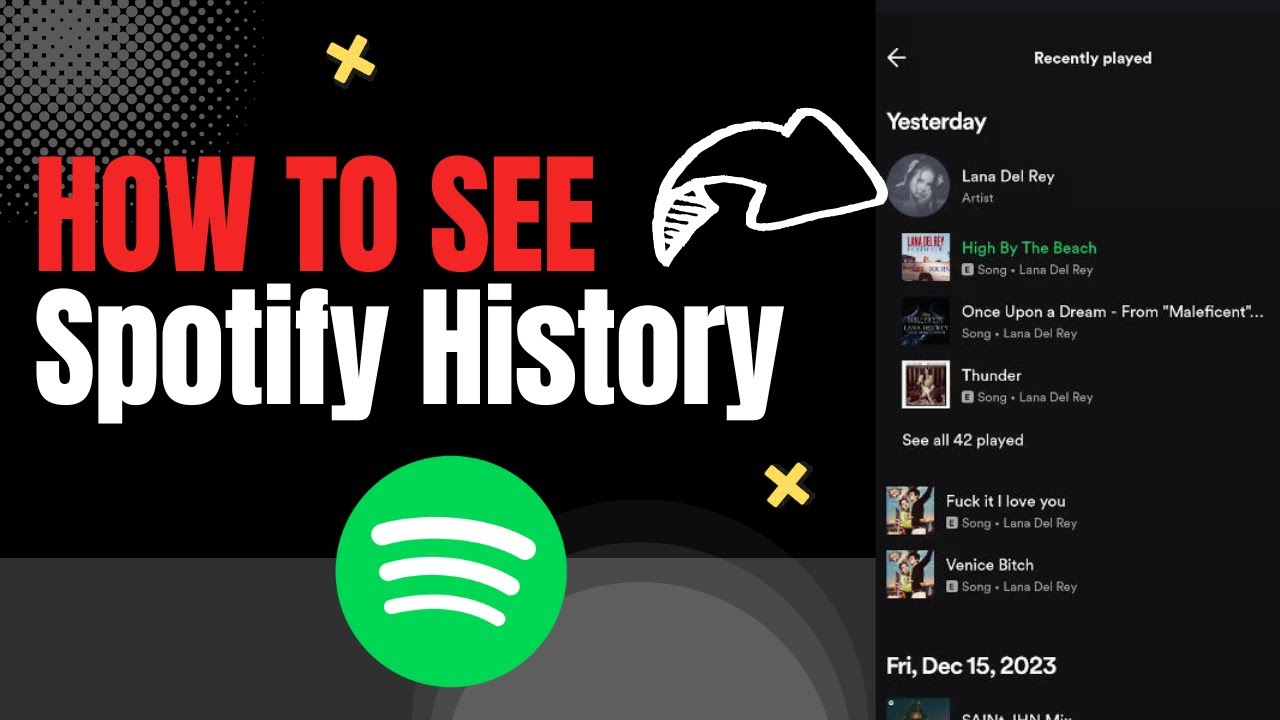
Did you know that you can view Spotify history on both your smartphone and your computer? This is especially handy when you have lots of playlists and songs played on shuffle, whose names aren't always easy to remember. However, there's a catch.
View Your Spotify History – on Your Smartphone or Computer
How to see Spotify history? You can do this using the Spotify history on phone, for example:
- Open the app on your Android phone or iPhone.
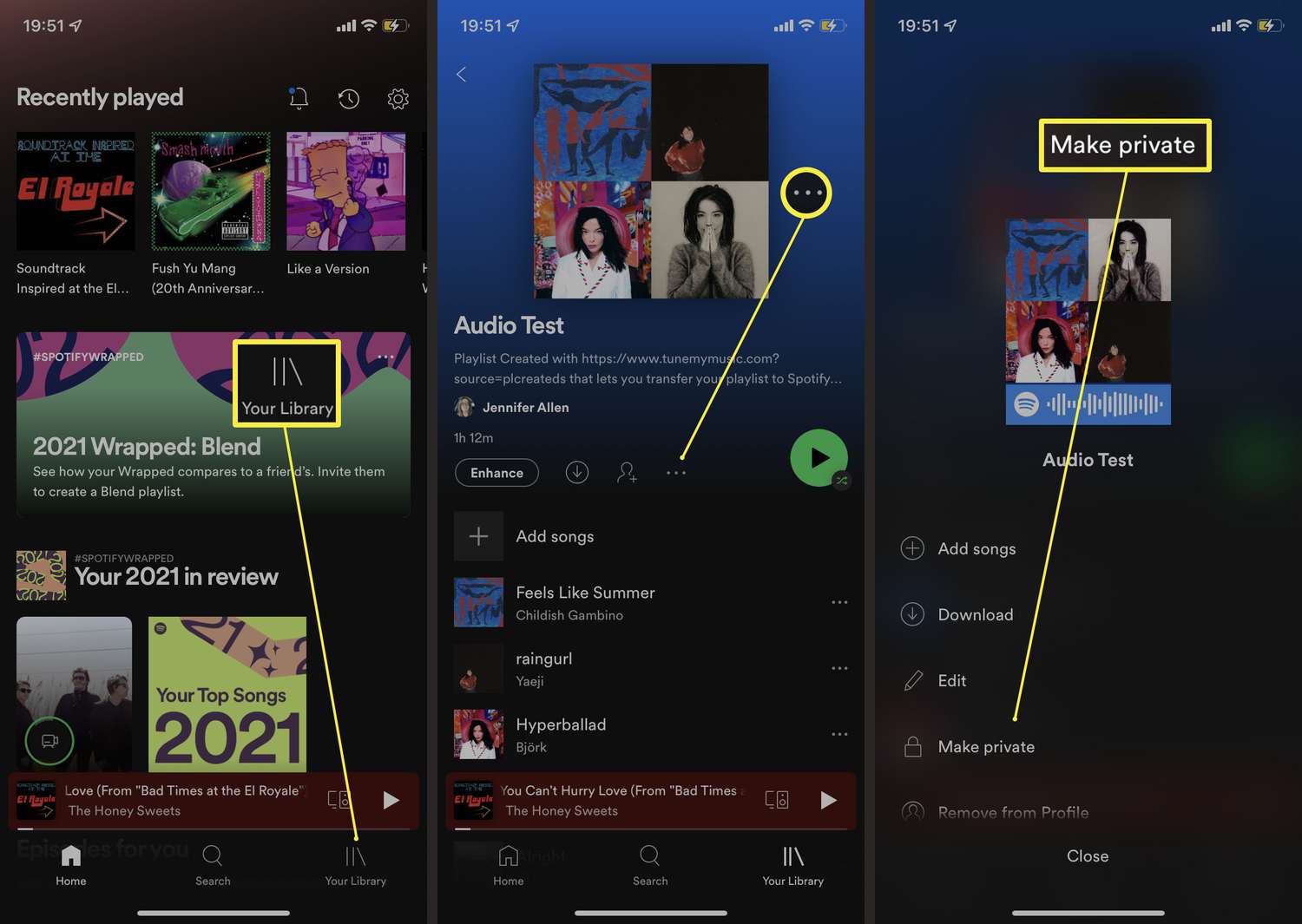
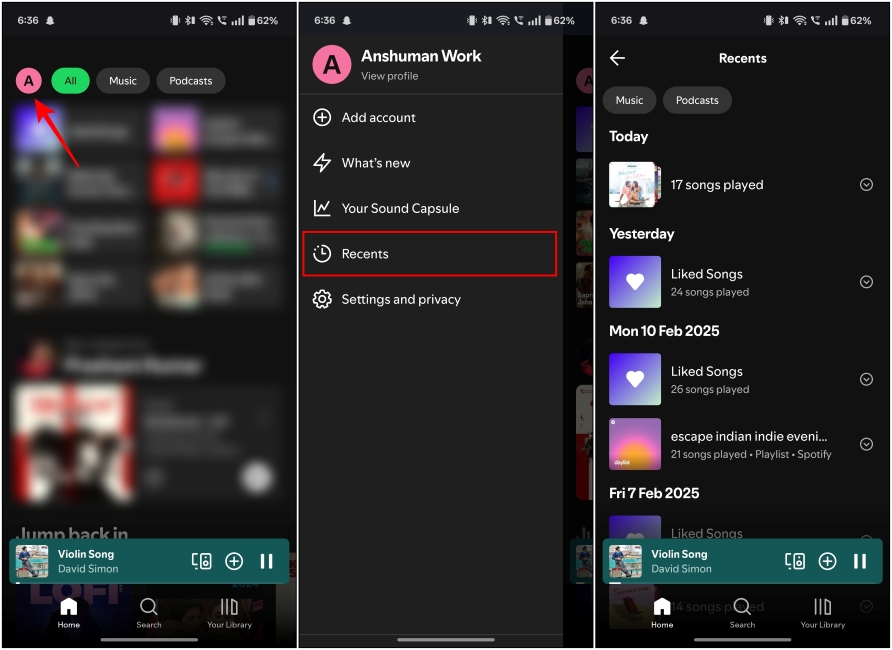
- On the “Home” tab (house icon), tap “Recently Played” (clock icon) at the top.
- Now you’ll see all the songs you’ve played on Spotify in the last three months.
Do you often use Spotify history on PC? If so, you can also view your Spotify listening history there:
- Launch the Spotify app on your PC or Mac.
- In the playback menu, click the queue icon (it looks like a burger).
- In the queue, you’ll see the songs you want to listen to next on Spotify. Click “Recently Played” at the top. Spotify will then show you the 50 most recently played tracks.
Tip: In its “Security and Privacy” settings, Spotify offers the option “Download Your Data.” If you request your data using this option, Spotify will send you a detailed history covering the last 12 months. This way, you can see which songs you’ve streamed on Spotify over the past 365 days.
View your entire Spotify history—is that possible?
Want to track more than just the music you’ve played recently? Then the music platform last.fm is a great option. Unlike Spotify, last.fm doesn’t limit your history to just the last 3 months. Instead, it saves every song you listen to on Spotify. All you have to do is create a free profile on last.fm and then link the service to your Spotify account.
The catch: This doesn't work retroactively. last.fm only tracks the music you've streamed since you linked your account to Spotify. Here's how to link Spotify listening history Last.fm:
- Open the last.fm website in your browser and log in to your account.
- Click your profile picture to go to Settings.
- Under “Apps,” search for Spotify.
- Click “Connect” and enter your Spotify login credentials in the next step.
- Allow last.fm to access your listening data.