1 hours ago 
Music remains a key part of TikTok and how videos are discovered on the platform. If you want to start creating content on TikTok or make better use of audio in your videos, here's how to add music to TikTok.
How to Add Music to TikTok From the App
From the TikTok app, you can add music to both videos and photos. Here's how add music to TikTok.
How to Add Music to a Video on TikTok
Adding music to a video on TikTok is important for gaining visibility and connecting with your audience. Here’s a step-by-step guide on how to add music to a video on TikTok. It’s that easy:
- Open the TikTok app, log in (or sign up if you don’t have an account), and tap the “+” icon in the bottom menu to upload a new video.
- Before you start recording by tapping the red button in the center, tap “Add Sound,” which you’ll see at the top of the screen.
- This opens TikTok music library with all the available sounds. Use the search bar to find a specific audio clip or browse the trends and genres suggested by the platform.
- Choose the sound and select the exact clip you want to use in your video.
- Record the video and continue editing the clip.
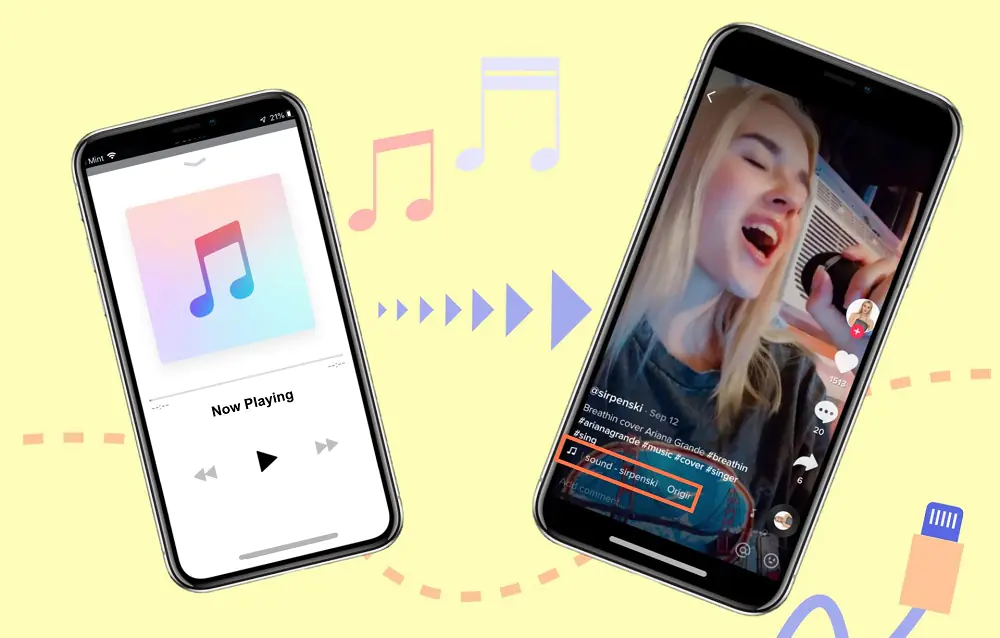
How to Add Music to TikTok From Your Computer
TikTok also lets you add TikTok desktop upload, although the options are more limited than in the mobile app:
- Go to TikTok in your browser.
- Click “Upload” and add your video.
- Click the “Sounds” button.
- Search for an audio clip in the library or browse the recommendations.
- Adjust the song clip or the volume.
- Save your changes and post the video.