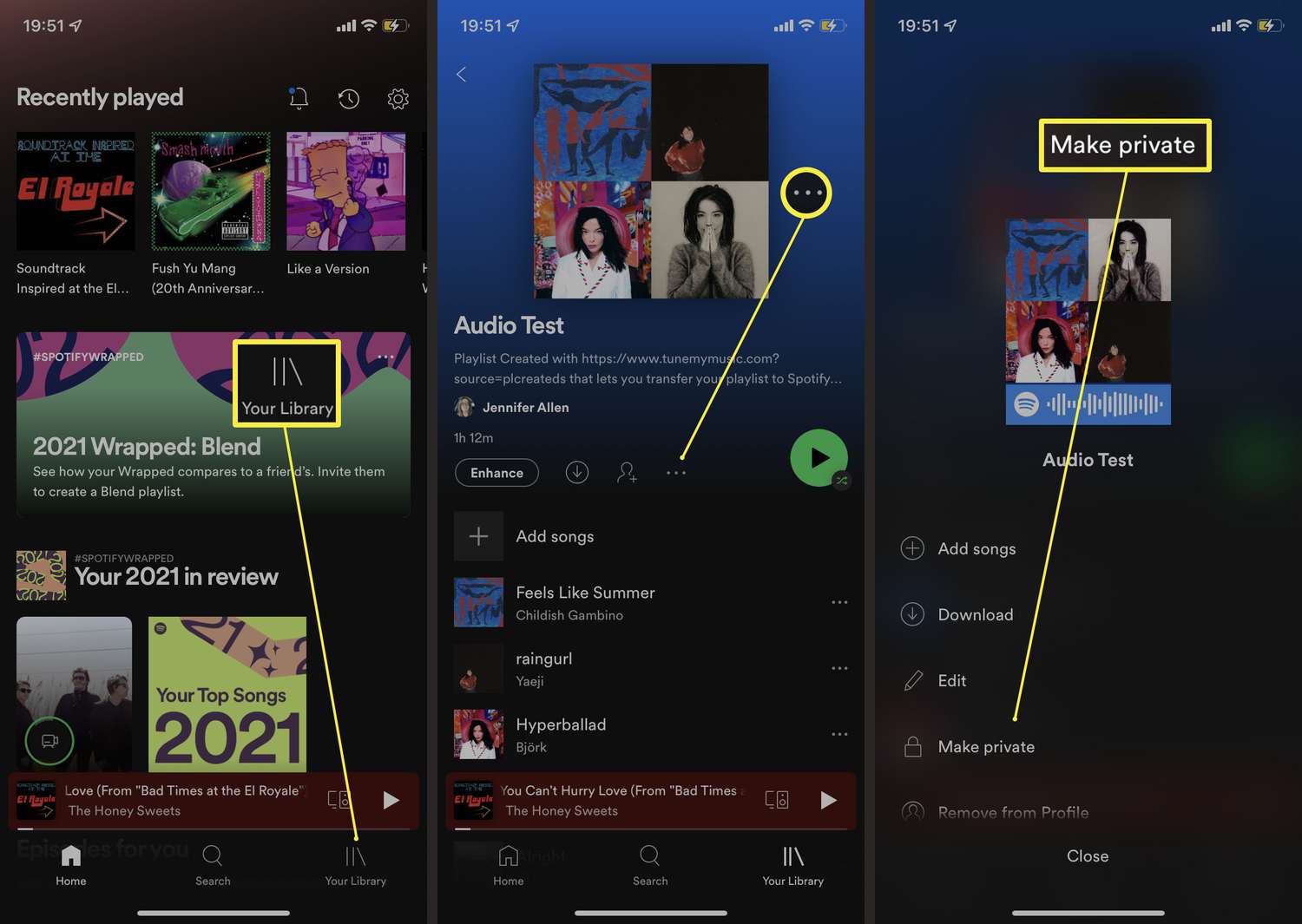
Don't like your Spotify username anymore? Is it inappropriate? Want to change it? We'll explain how to change Spotify display name.
Your username makes you unique across various platforms and apps, including music streaming services. This “nickname” gives you a distinct profile, allowing you to stand out from other users. After a while, you might want to change Spotify username—but is that something you can just do?
Changing Your Spotify Username: Is It Possible?
This question is pretty easy to answer when it comes to Spotify. You can’t change your username once you’ve created your Spotify account. Once you’ve chosen it, you have to stick with it. However, you do have the option to choose a new username by creating a new account with the music streaming service and canceling and deleting your old Spotify account.
However, in our view, this doesn’t really make sense and isn’t necessarily recommended. The username is actually a unique sequence of numbers associated with your email address. That’s why you can only log in using your email address and a password.
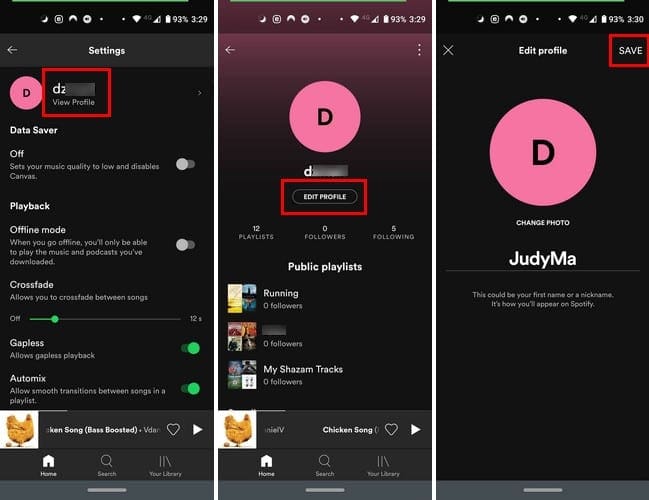
What you can change, however, is the display name you’ve chosen on Spotify. Most people use their first name or a nickname there. The Spotify display name is basically there to give your public Spotify user profile an identity. We’ll show you how to change your display name in the following steps:
Changing Your Spotify Display Name: Here’s How
- Open the Spotify app on your smartphone and tap your profile picture in the top-left corner.
- From there, tap “View Profile” at the top or simply tap your profile picture again.
- You'll then see the “Edit” button. Tap it to continue.
- Now you can enter a new name under “Name” and then tap “Save” in the top right corner. The new name will take effect immediately and will be visible to you and your followers.
You can change Spotify display name as often as you like, whether you’re using the free Spotify subscription or a Premium plan.