Spotify lets you download songs and listen to them offline later. However, not everyone can use this feature. Here's how to listen to Spotify offline.
Listen to your favorite songs whenever and wherever you want. It's a dream come true for anyone who's ever had to deal with a poor internet connection. But how can you download audio content, and how often? And what about podcasts or playlists?
Who can listen to music offline?
To listen to your favorite music offline with Spotify, you’ll need to sign up for a Spotify Premium subscription first. If you’re already a Premium subscriber, you can use this feature. Spotify Free users, on the other hand, cannot download songs or listen Spotify offline music.
Here’s the audio content you can listen to offline
With Spotify Premium, you can download and enjoy the following audio content offline: music, podcasts, and audiobooks.
You can also download entire playlists so you can listen to them later without an internet connection. Spotify states that you can download up to 10,000 different tracks per device.
How to listen to music offline
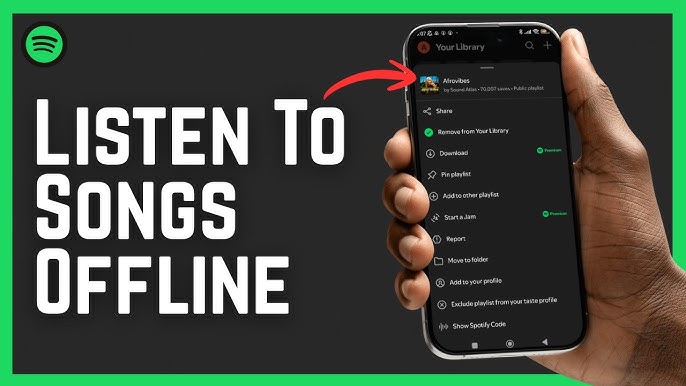
- Open your Spotify app.
- Find the song, podcast, or playlist of your choice.
- Tap the “down arrow” icon.
- Once the icon turns green, you can listen to the audio content offline.
Who Will Benefit from This Feature?
This feature is especially handy for people who don’t have a good internet connection. A limited data plan can also be a deciding factor here. Being able to download entire playlists is worth its weight in gold.
Podcast episodes are also great companions for any trip, whether by bus, train, car, or bike. That’s why this feature is also worth it for all other Spotify Premium users, regardless of whether you’re on Spotify Premium Duo, Student, or Family.