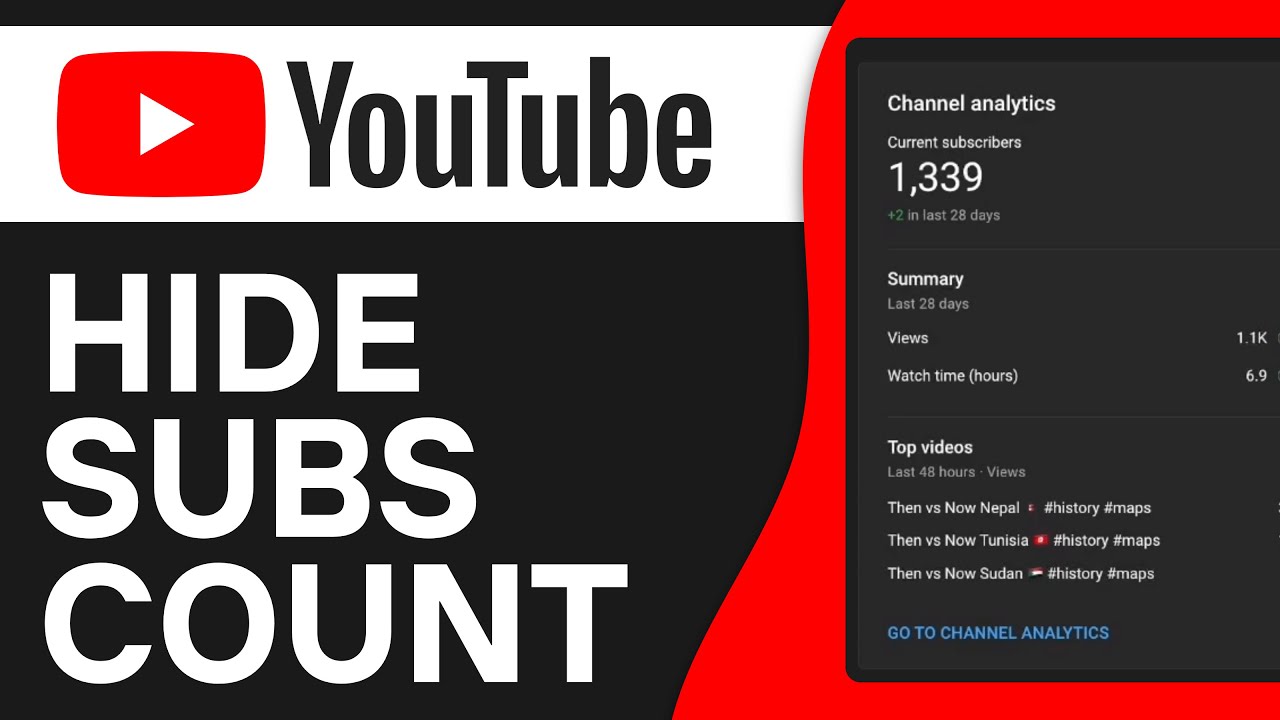
Sometimes you might not want to display your subscriber count publicly on YouTube. Maybe it’s because you’re more focused on your content than on the number, or maybe you simply want to protect your privacy. In this guide, I’ll show you how to hide your subscriber count in just a few steps. The process is straightforward and can be done directly through your YouTube dashboard.
- You can adjust the visibility of your subscriber count in your YouTube settings.
- Hiding your subscriber count does not affect your channel's performance or content.
- Changes aren't visible immediately; it may take a few minutes for them to update.
How to Hide Subscriber Count on Youtube Step-by-Step Guide
How to hide subscriber count on youtube, follow these simple steps:
First, go to your YouTube channel. Click on your channel icon, located in the upper-right corner of the YouTube website. This icon displays your profile picture and serves as the starting point for many changes you may want to make to your account.
Once you click on your channel, you'll be taken to your channel page. From there, you'll need to go to YouTube Studio. To do this, click the “YouTube Studio” button in the upper-right corner. Here, you can manage all the necessary settings for your channel.
Once you’re in YouTube Studio, you’ll see a vertical menu bar on the left side. Click the “Settings” option there. This option lets you configure various aspects of your channel, including information about your subscriber count.
Once you’re in the Settings menu, click “Channel.” This will take you to the channel settings, where you can adjust various settings for your channel.
You’ll now see the “Advanced Settings” tab. Click this tab to access specific features and options for your channel. Here you’ll find the most important settings you can customize.
Now scroll down a bit until you find the “Show subscriber count” option. This feature is enabled by default, which means your subscriber count is visible. Youtube hide subscribers it, simply turn this setting off.
After you've disabled the option to display the number of subscribers, click “Save.” It's important that you click “Save” so that the changes actually take effect. Otherwise, your settings will remain unchanged.
Now you can return to your YouTube channel. You should now notice that your subscriber count is no longer visible. This gives you more control over the information you display on your channel.
Please note that it may take some time for the changes to appear on your channel. If your subscriber count is still being displayed, please wait a little while, as YouTube sometimes needs time to update the changes.