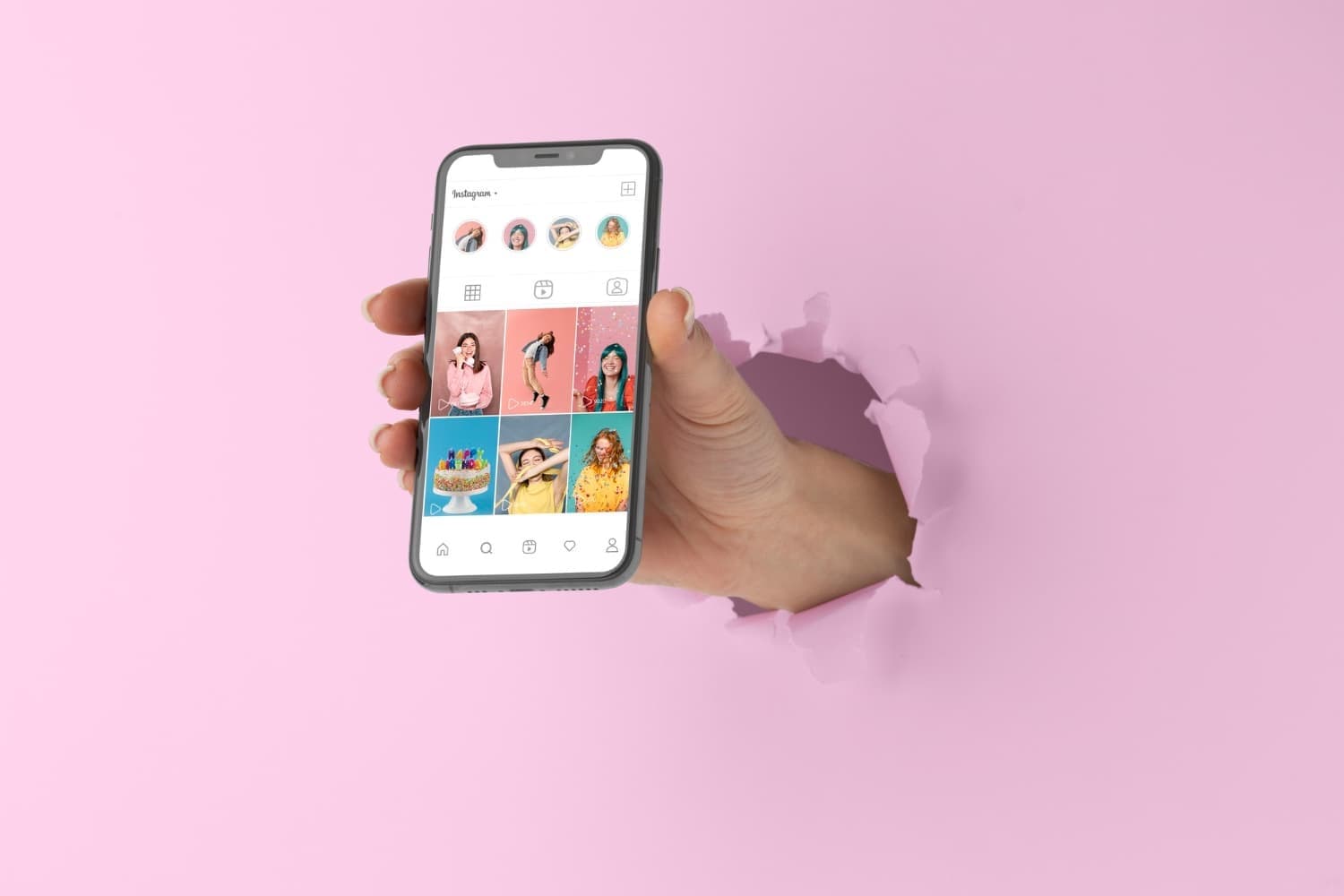
You might want to pin important posts—such as your introduction, your current specials, your menu, or an upcoming event—to the top of your Instagram profile. But how to pin a post on instagram?
Why should you pin an Instagram post?
Imagine a stranger visits your Instagram account. They noticed you through a post and are visiting your profile for the very first time. Naturally, you want to help them find their way around.
The “Pin Post” feature helps you do just that—it lets you pin important posts right at the top of your feed. In other words, posts that someone new to your profile should see right away. Here are some good options:
• Your introduction
• Your offer
• Your lead magnet / freebie
• A current offer, e.g., an event or weekly pass
• An important post
• (Special) hours of operation
• Location
How to Pin an Instagram Post: Step-by-Step Guide
It’s really easy to pin instagram post;
1. Go to the post you want to pin
2. Tap the three dots in the top-right corner
3. Select “Pin to Top”
4. The Instagram post is now pinned to the top
You can recognize instagram pinned posts by the small pin icon in the top-right corner of the image.
Unpinning Instagram Posts
If you no longer want a post pinned at the top of your feed, repeat the steps to unpin instagram post:
1. Go to the post you want to unpin
2. Tap the three dots in the top-right corner
3. Select “Unpin from Main Feed”