Comments aren't always welcome on YouTube videos either. That's why YouTube lets you easily disable the comment feature on specific videos. We'll explain how to turn off comments on youtube.
Disabling YouTube Comments: Here's How
Not all comments are welcome. And some topics tend to attract more disruptive comments than others. More and more often, people are crossing the line, creating a toxic discussion environment. You can prevent this by turn off youtube comments on your non-private YouTube videos. To disable comments on youtube, follow these steps:
- Open the video overview on YouTube.
- Select the video for which you want to disable comments, and click “Edit” in the options bar.
- In the dialog box that opens, select “Comments.”
- Several options will then appear. Select “Disable comments” to prevent any comments from being posted.
- Complete the process by clicking “Refresh videos” and confirming the prompt.
To verify that the changes have taken effect (which should normally be the case), open the YouTube video without being signed in to your YouTube or Google account in the browser. This way, you’ll see the video from the perspective of a neutral visitor. If the youtube comments disabled, everything has worked as planned.
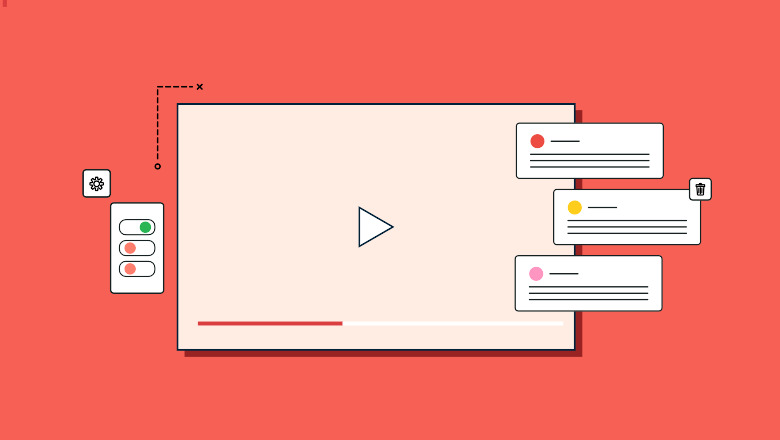
As an alternative to disabling comments entirely, you can also moderate comments. This is useful if you generally allow comments but want to maintain control over the content. With this option, comments aren’t published immediately; instead, they require your manual approval.