One of the fastest-growing social networks is TikTok. With an ever-growing community, it’s understandable that public figures, companies, and organizations would also want to verify the authenticity of their profiles on TikTok. So far, TikTok has not indicated that it is working on a paid TikTok verification program, unlike Meta or the already launched “Twitter Blue.”
What does verification look like on TikTok?
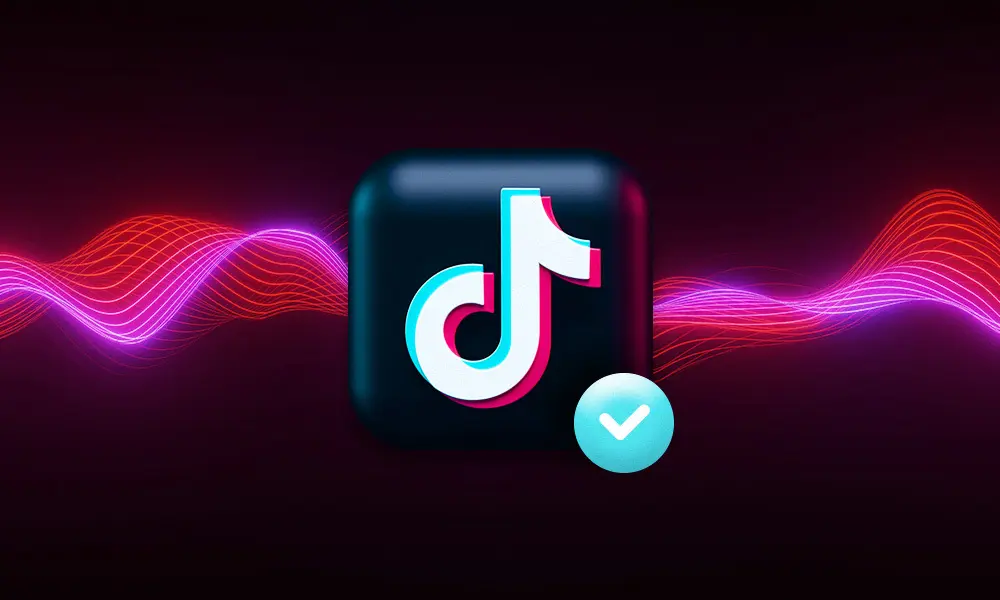
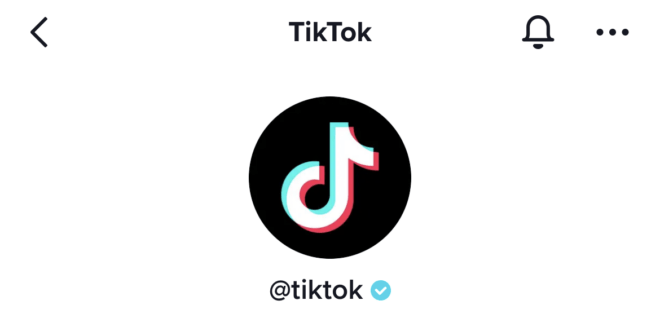
TikTok also uses the well-known TikTok blue checkmark as its symbol. The color is slightly lighter, and the checkmark appears right next to a profile’s account name.
Guidelines for TikTok Verification
TikTok requires a few factors that determine whether you receive the TikTok blue checkmark. According to TikTok, the number of likes does not play a role in verification. Currently, the most important requirements are:
- Your activity on TikTok: Your account must have been active for at least 6 months.
- Authenticity: The account must be the genuine profile of a public figure, a company, or an organization. You must confirm this when applying for verification. Read more about the verification process below.
- Completeness: Your account must be set to public, and your profile must include a profile picture, a completed bio, a name, and at least one video.
- Prominence: Only accounts that have been mentioned in multiple news sources will be verified. TikTok explicitly states that press releases, paid media, or advertisements are not taken into account for this purpose.
- Security: You can only apply for the TikTok blue checkmark if you use multi-factor authentication with a verified email address.
- Acceptance of the Community Guidelines and Terms of Service: Compliance with the TikTok Community Guidelines and the TikTok Terms of Service is also a necessary requirement for verification.
TikTok Verification Process
Once you meet the requirements listed above, you can request verification for your TikTok account as follows:
- In the TikTok app, select the “Profile” menu item in the bottom-right corner.
- Then tap the menu icon (the three-line icon) in the top-right corner.
- From there, select “Settings and Privacy.”
- Here, tap the first option, “Manage Account.”
- Then tap “Verification” and follow the remaining steps.
- If you’re logged into the app with a Business Profile, the verification process will be for your business profile. However, if you want to verify yourself or an institution, you must be logged in with a personal profile.
Loss of Verification
Under certain circumstances, TikTok reserves the right to revoke your blue verification checkmark. The following reasons are possible:
-
Change of ownership: If the account is transferred to a different owner, the original verification is no longer valid, and you must request a new verification after taking over the account.
- Change of username: If you change your username, you will also lose the blue checkmark and will need to go through the verification process again.
- Change of account type: Since verification on TikTok is tied to a specific account type (Personal, Business, or Organization), the verification applies only to the account type you originally used to apply for verification. If you change your account type, you’ll need to submit a new application for TikTok verification.
- Violations of the Community Guidelines and Terms of Service: If TikTok detects serious or repeated violations of the Community Guidelines or Terms of Service, TikTok may also revoke your blue checkmark and, consequently, your verification.
Removing the Verification Badge
If you want to remove the TikTok blue checkmark—and thus the verification status—from your profile yourself, there is currently no way to submit a request to TikTok to do so. You can only remove the checkmark yourself by changing your username.
Cost of TikTok Verification
Compared to other platforms (primarily Twitter with “Twitter Blue” and Meta’s plans), verification on TikTok is currently free. Whether this will remain the case remains to be seen, of course.
TikTok also explicitly warns in its Help Center against accepting any offers to purchase TikTok verification. Use only the feature within your TikTok app for this purpose.